The Day Architect
Tomorrow is a memory you haven't made yet.
Dayverie is an iPhone app for planning one local outing at a time. Choose your destination, time, budget and company, then get real places in a schedule you can inspect and adjust.
Questions come one at a time, and the day is shaped by what you say. Answer “two of us” and the next question stops asking about a group and starts asking what kind of date it is. Nothing here is a form.
Your people, your start time, your pace. A few choices, not a form to fill.
Who's coming?
Just me · Two of us · Small group · A whole crowd
What should lead the day?
The question rewrites itself around who's coming
How are you getting around?
On foot · Transit · Rideshare · Own car
When do you start?
Early bird · Morning · Afternoon · Evening
How much time do you have?
Quick outing · Half a day · A full day · Into the night
What feels right per person?
Easygoing · Social & local · Treat day · Memorable · No limits
Anything else we should know?
A wish, a constraint, a craving — anything. Optional.
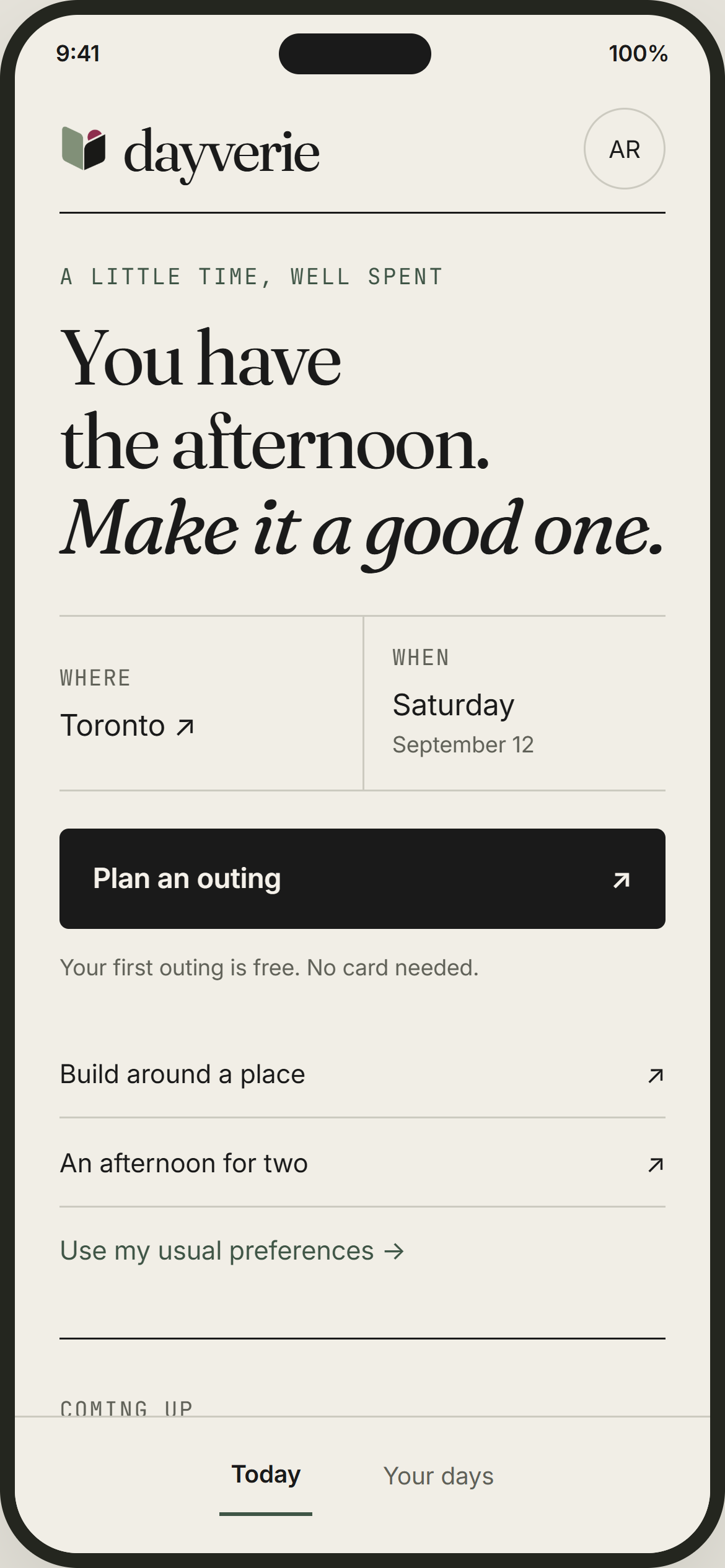
The brief, made clear.
A preview of the planning review: your date, destination and brief, together before the day takes shape. This screen is work in progress. Once you request a day, Dayverie checks opening hours where available, in the city's own time. Confirm important stops before heading out, as hours can change.
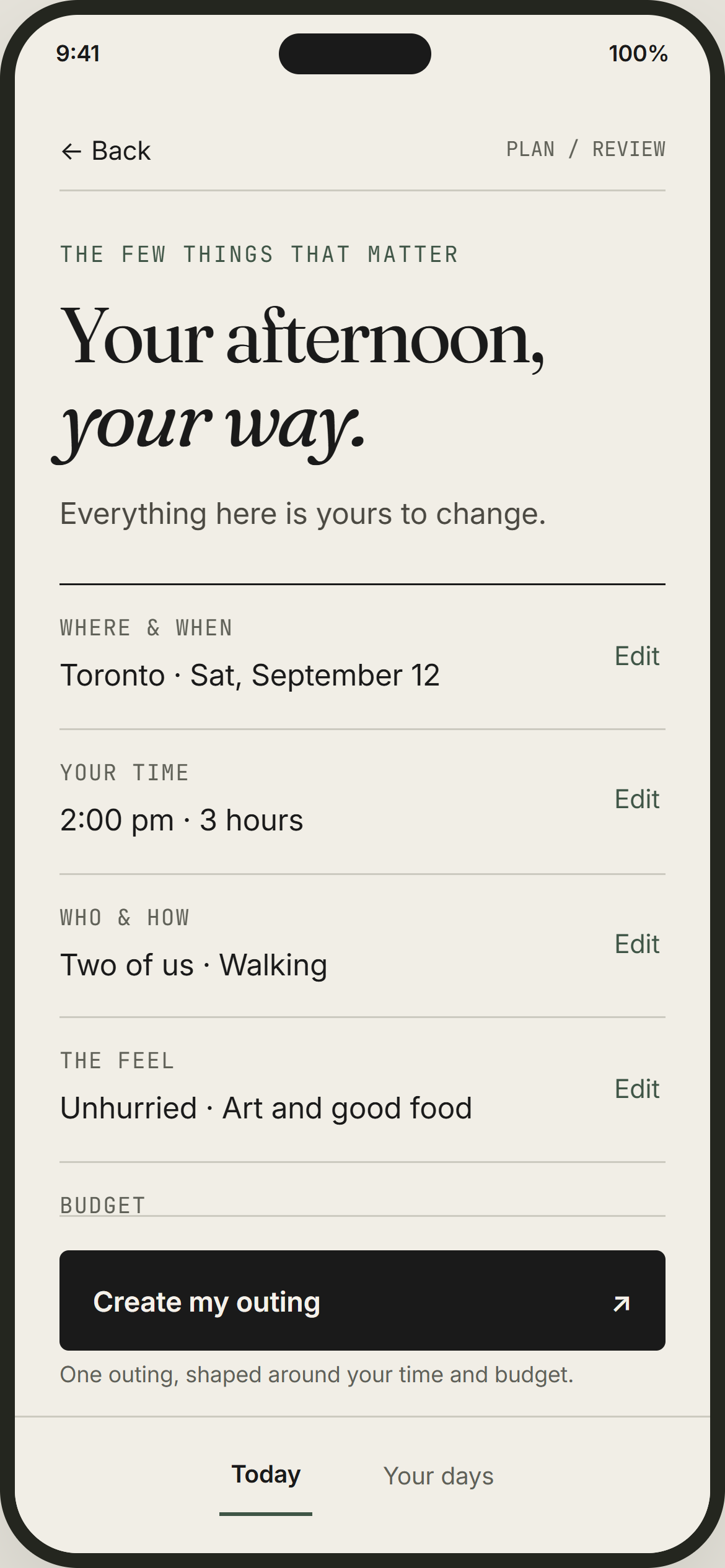
Gone to print · the run, in order
Two to seven stops, in order.
How many depends on what you said. A quick outing is two or three; a full day is five or six; into the night can run to seven. Each one arrives with available hours, travel context, and a line about why it's there rather than somewhere else.
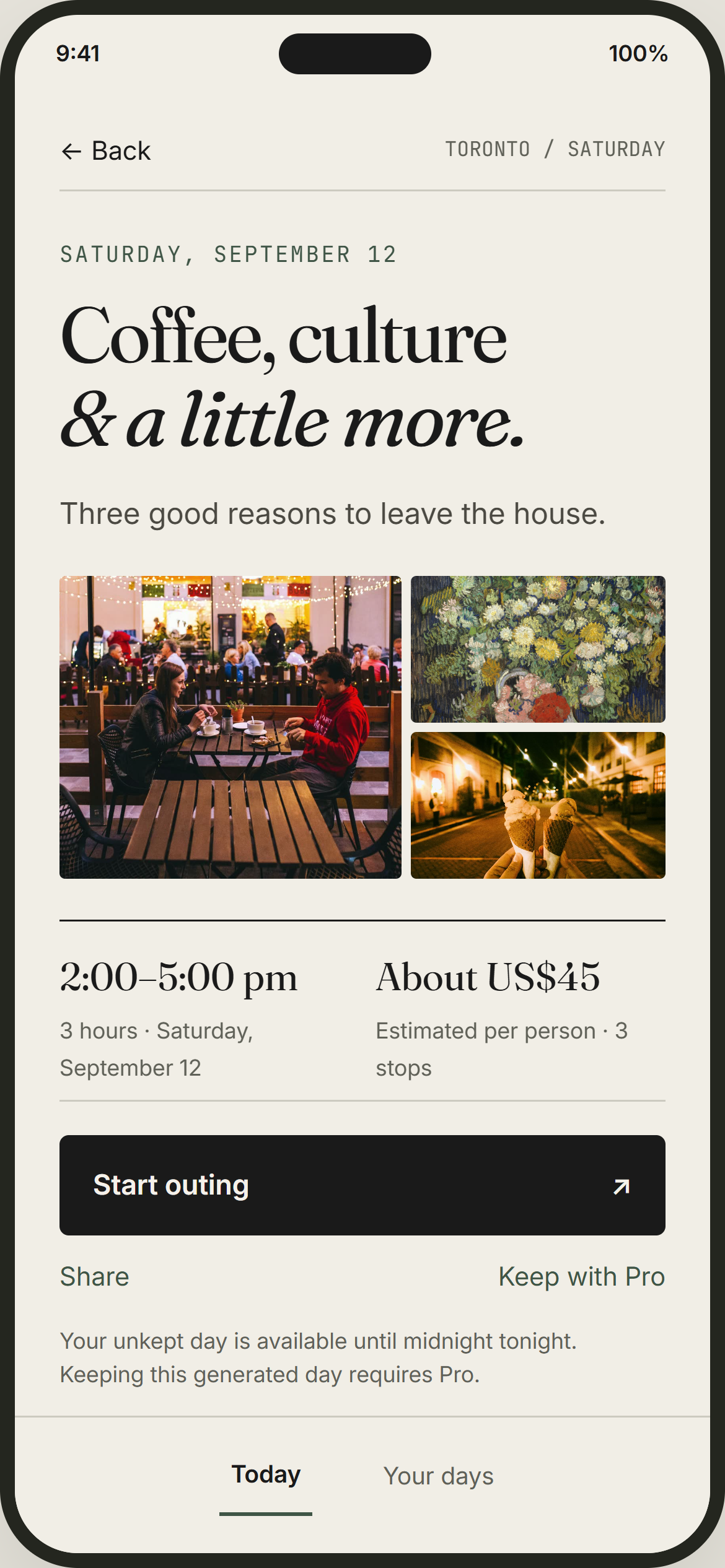
Built. Ready to go.
The day arrives with the places, photos, timing and a reason for each stop. Open the route, share the link, or swap a stop that does not feel right.
Every stop is visible on your free day. Keeping it in your library requires Pro. This design preview uses sample content and photos, not live recommendations.
Real places, checked before they print
Real places are checked against available venue information. Hours can be missing or change; confirm with the venue before heading out.
Ordered around how you get around
Stops are sequenced around your chosen transport, with a written note on how you get from each one to the next.
Swap any stop
Not feeling a stop? Explore another option where suitable alternatives are available. Check the updated timing before heading out.
More variety, less repetition
Your previous days help Dayverie avoid repeating the same places where there are alternatives.
Build around a place you already love
Have somewhere in mind? Include it in your brief. Whether it fits depends on the location, timing and available venue information.
It gets to know you
Rate what you loved and what missed, and the days that follow lean on it.